

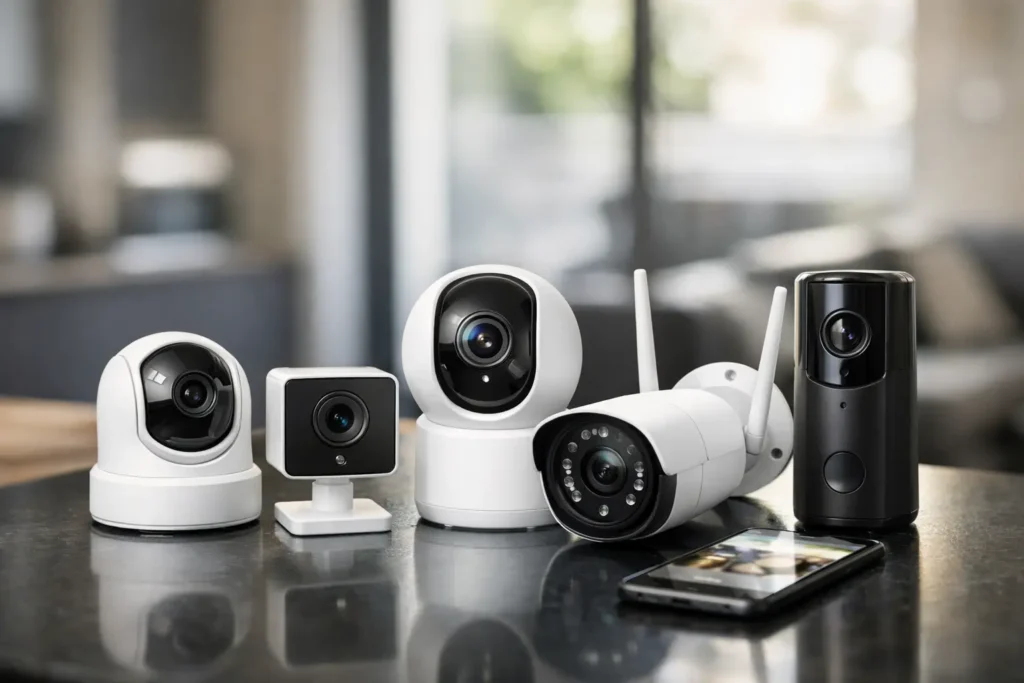
A camera that misses the person walking up your driveway is not much help. Neither is one that sends 30 alerts because a tree branch moved. This home security camera review focuses on the details that make a camera genuinely useful after the excitement of unboxing wears off: clear evidence, reliable notifications, sensible privacy controls, and costs you can live with.
For most households, the best camera is not the one with the longest feature list. It is the one you will actually check, trust, and maintain. That means choosing based on where it will go, who needs access to footage, and how much you are willing to pay after the initial purchase.
What a Home Security Camera Should Do Well
A security camera has one core job: help you understand what happened around your home. Picture quality matters, but it is only part of that job. A sharp 4K image is less valuable if the camera takes too long to wake up, loses its Wi-Fi connection, or buries the useful clip behind a subscription prompt.
The practical baseline is dependable motion detection, a view wide enough for the space, and video that remains recognizable at night. You should be able to tell whether the alert is a delivery driver, a neighbor, a pet, or someone who should not be there. For a front door, that often means prioritizing faces and package zones. For a driveway, it means enough distance and clarity to identify a person or vehicle without pointing the camera into the street.
Two-way audio can be useful for deliveries and unexpected visitors, but do not treat it as a replacement for a good lock or a broader security plan. It is a convenience feature first, and its value depends on whether the speaker is loud enough and the microphone is clear enough in real outdoor conditions.
Home Security Camera Review: The Features Worth Paying For
Motion alerts that can tell the difference
Raw motion alerts are the source of most camera frustration. Cars passing by, shadows, rain, insects, and neighborhood activity can turn a helpful tool into a noisy app you start ignoring.
Look for person detection and customizable activity zones. Person detection filters out many meaningless alerts, while zones let you exclude a busy sidewalk or a swaying shrub. Some cameras also identify packages, vehicles, or animals. Those extras can be worthwhile, but person detection is the feature most households will notice every day.
Be realistic about AI detection. It is not perfect. A camera can still misclassify a bundled-up person, a large dog, or an object in poor light. The goal is fewer pointless alerts, not zero mistakes.
Night video that fits your property
Most incidents worth reviewing do not happen in ideal daylight. Standard infrared night vision produces black-and-white video and usually works well for close areas such as porches, side gates, and small yards. Color night vision can provide more detail, but it needs some ambient light or a built-in spotlight.
A spotlight camera makes sense where you want both visibility and a deterrent, such as a dark driveway or detached garage. It can be excessive near a bedroom window, a shared walkway, or a neighbor’s property. Check the field of view before you buy. Wider is not always better if it makes faces smaller or captures more public space than necessary.
Storage without surprises
This is where camera pricing gets complicated. Many affordable cameras require a paid plan to save video history, use advanced detection, or download clips. The monthly fee may look small, but it can become the biggest long-term cost if you have several cameras.
Local storage can avoid recurring fees, but it comes with trade-offs. You may need a hub, memory card, or compatible network storage, and reviewing clips can be less convenient than using cloud storage. Local storage also needs protection. If someone steals the camera or its hub, footage stored only at home may be lost.
Cloud storage is easier for most shoppers and provides off-site backup. Before committing, check how many days of history are included, whether each camera needs its own plan, and which features stop working without a subscription. A camera that only sends a live alert without recording an event leaves a significant gap in its usefulness.
Power that matches your tolerance for maintenance
Wired cameras are the most dependable option. They avoid battery swaps, typically record for longer periods, and often respond faster. The downside is installation. You may need an exterior outlet, existing doorbell wiring, or professional help.
Battery cameras are simpler to place on a shed, fence, or entryway with no nearby power. Their limits are real, though. Cold weather shortens battery life, frequent alerts use more power, and battery models often record short clips instead of continuous video. Solar panels can reduce charging chores in a sunny location, but they are not a cure for poor placement or heavy winter weather.
Choose battery power for flexibility. Choose wired power for coverage you cannot afford to have offline.
Placement Matters More Than Another Spec Upgrade
A well-placed 1080p camera will often be more useful than a poorly placed 4K model. Mount outdoor cameras high enough that they are difficult to tamper with, but not so high that you only record hats and the tops of heads. Around eight to 10 feet is commonly a practical range, depending on the lens and location.
For a front entry, angle the camera toward the approach, not straight down at the doorstep. For driveways, test whether the camera catches someone entering the frame early enough to record them clearly. Avoid aiming directly at bright lights, reflective surfaces, or the rising and setting sun, all of which can wash out a face at the worst moment.
Indoor cameras deserve a different standard. They can be helpful for checking on pets, caregivers, or a vacation home, but they also create a more personal privacy decision. Avoid bedrooms and bathrooms. If an indoor camera has a physical privacy shutter or an easy way to disable recording while you are home, that is a meaningful advantage.
Privacy Is Part of the Purchase Decision
A home camera collects footage of your family, visitors, routines, and sometimes your neighbors. Treat the account behind the camera as seriously as the hardware on the wall.
Use a unique password and turn on two-factor authentication. Share access only with people who need it, and remove old users when circumstances change. Review whether the app lets you set privacy zones, which mask areas such as a neighbor’s window or a public sidewalk.
Also consider how the camera handles video processing. Some features rely heavily on cloud analysis, while others can process more data locally. There is no single right answer, but the company should explain its data practices clearly. If those settings are difficult to find or the policies feel vague, that is a reason to look elsewhere.


The Right Camera Depends on the Job
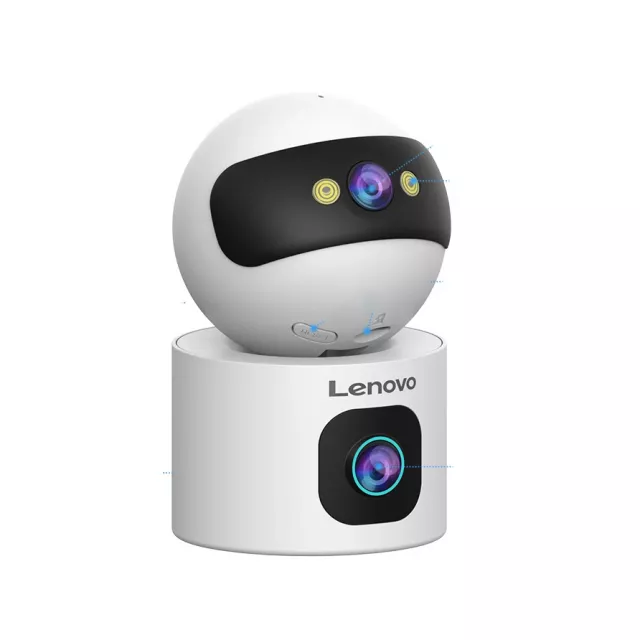
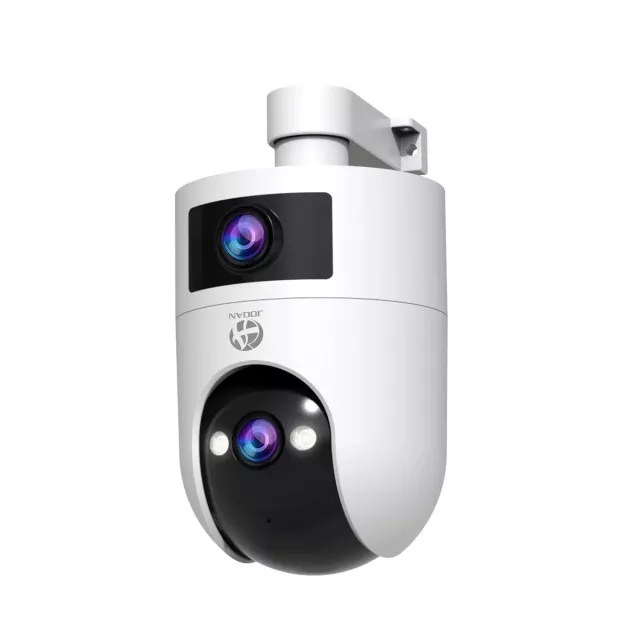
A doorbell camera is best for front-door activity and deliveries, but it rarely replaces a wider driveway or yard camera. A floodlight camera suits dark exterior areas where visibility is a concern. A compact indoor camera works for checking in on a pet, while a wired outdoor model is usually the better choice for continuous coverage of an important entrance.
For renters, battery-powered cameras and adhesive or no-drill mounts offer flexibility, although they need more upkeep. Homeowners planning a longer-term setup may get better value from wired cameras, especially if they want reliable coverage at multiple points around the property.
Do not feel pressured to cover every inch of your home on day one. Start with the entry or area that concerns you most, live with the alerts for a few weeks, then expand only if there is a clear gap.
A Quick Check Before You Buy
Before choosing a camera, make sure you can answer five practical questions:
- Can it clearly cover the specific door, driveway, room, or gate you care about?
- Will it record usable clips without a subscription you do not want to pay for?
- Does it offer person detection and activity zones to limit false alerts?
- Is its power source realistic for the location and your maintenance habits?
- Can you secure the account and control who sees the footage?
A camera should make home monitoring calmer, not create another stream of notifications to manage. The smartest purchase is the model that fits your property, preserves the footage you need, and gives you confidence without adding an expensive monthly obligation you did not expect.
Master Your Home Security Cameras

Top Pick on Amazon





Pingback: Wireless Charging Guide for Everyday Devices | PO‑STORE
Pingback: 7 Best Digital Photo Frames for Your Home | PO‑STORE
Pingback: Standing Desk vs Walking Pad for Your Workday | PO‑STORE
Pingback: How to Reduce Pet Shedding Without the Fuss | PO‑STORE
Pingback: Home Safety Checks That Make Daily Life Safer | PO‑STORE