Smart Home

Trusted guides, curated picks, and step‑by‑step setups to help you upgrade your home with confidence.
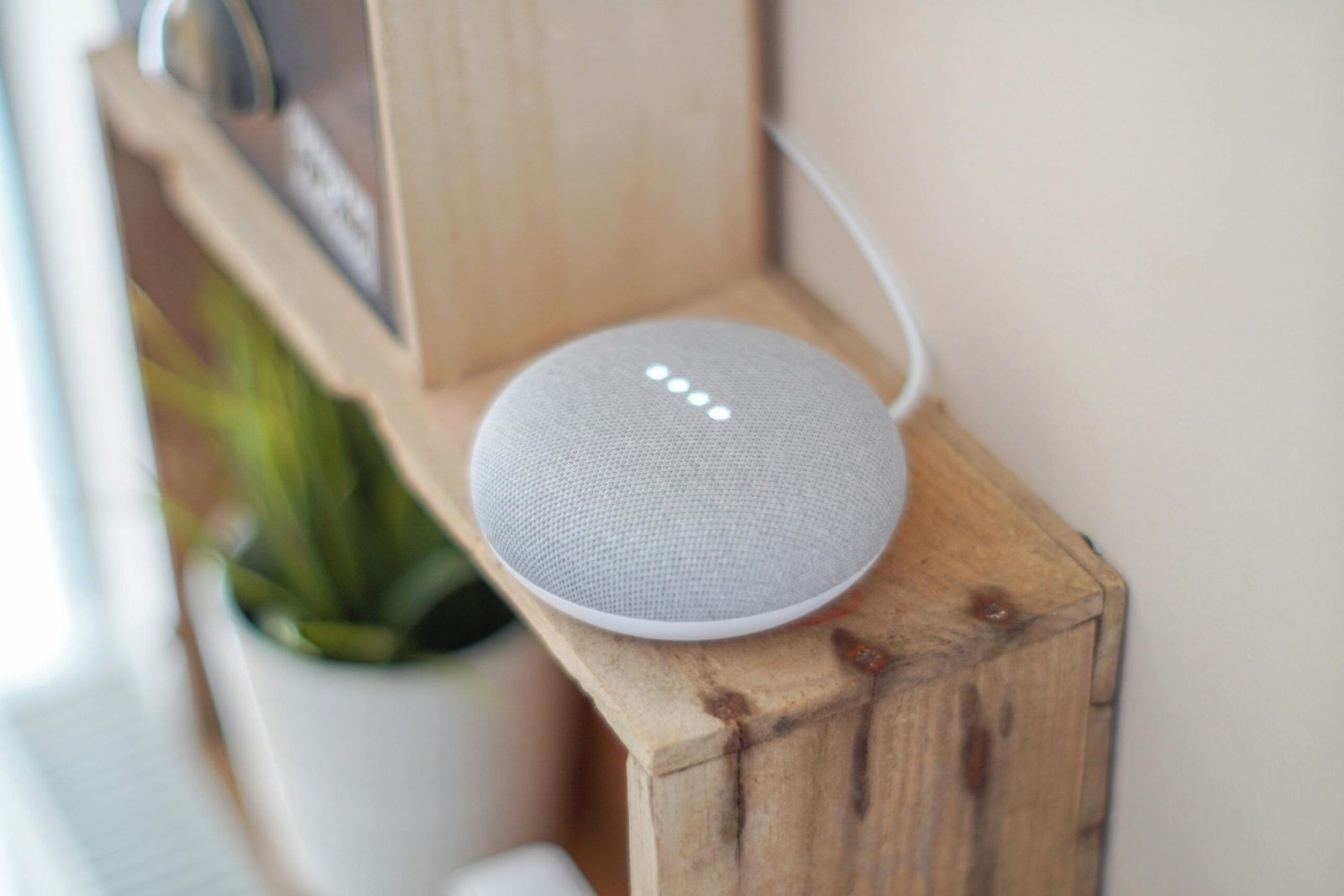
A Google Home Mini smart speaker on a wooden shelf, blending technology with home decor.
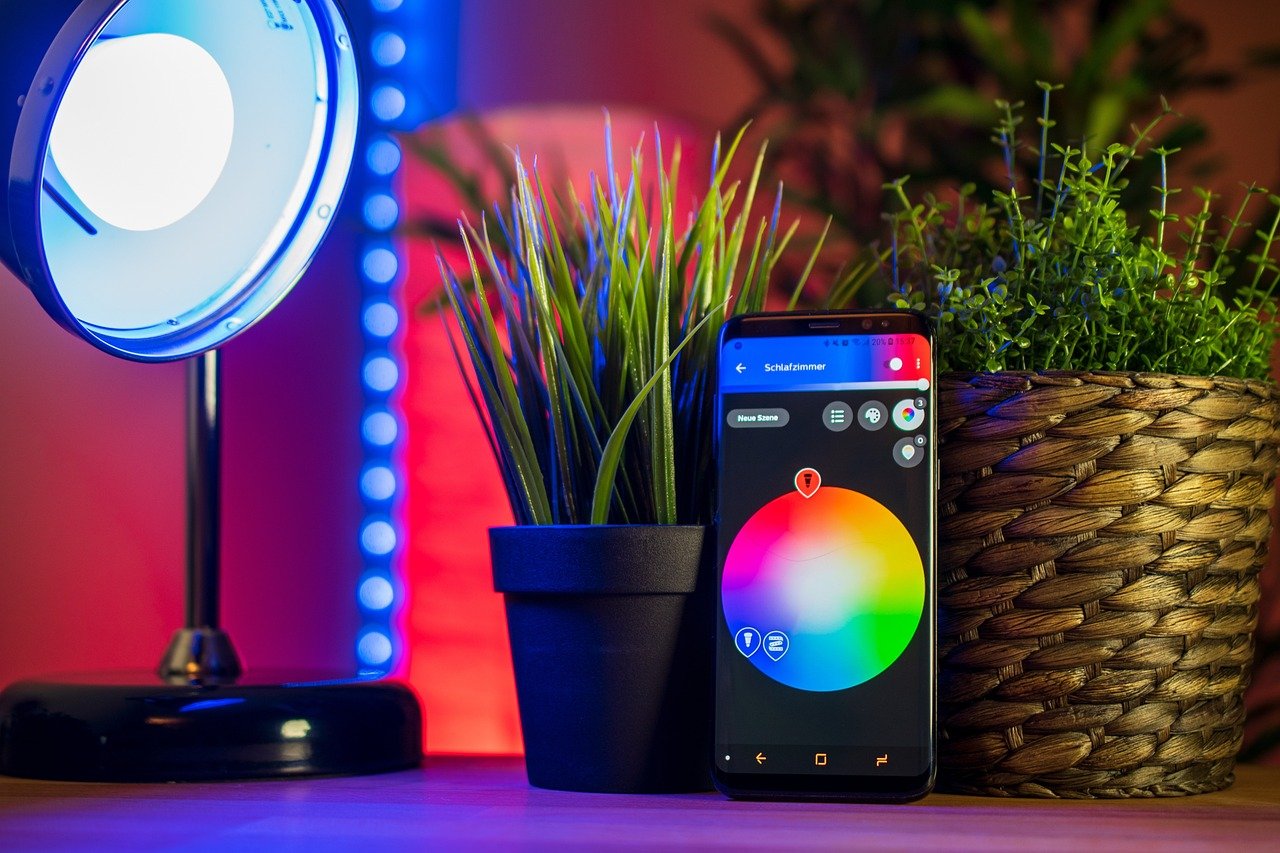
smart home, mobile, smartphone, smarthome, light, tools, future, lamp, internet, modern, smart, wireless, technology, hue, smart home, smart home, smart home, smart home, smart home
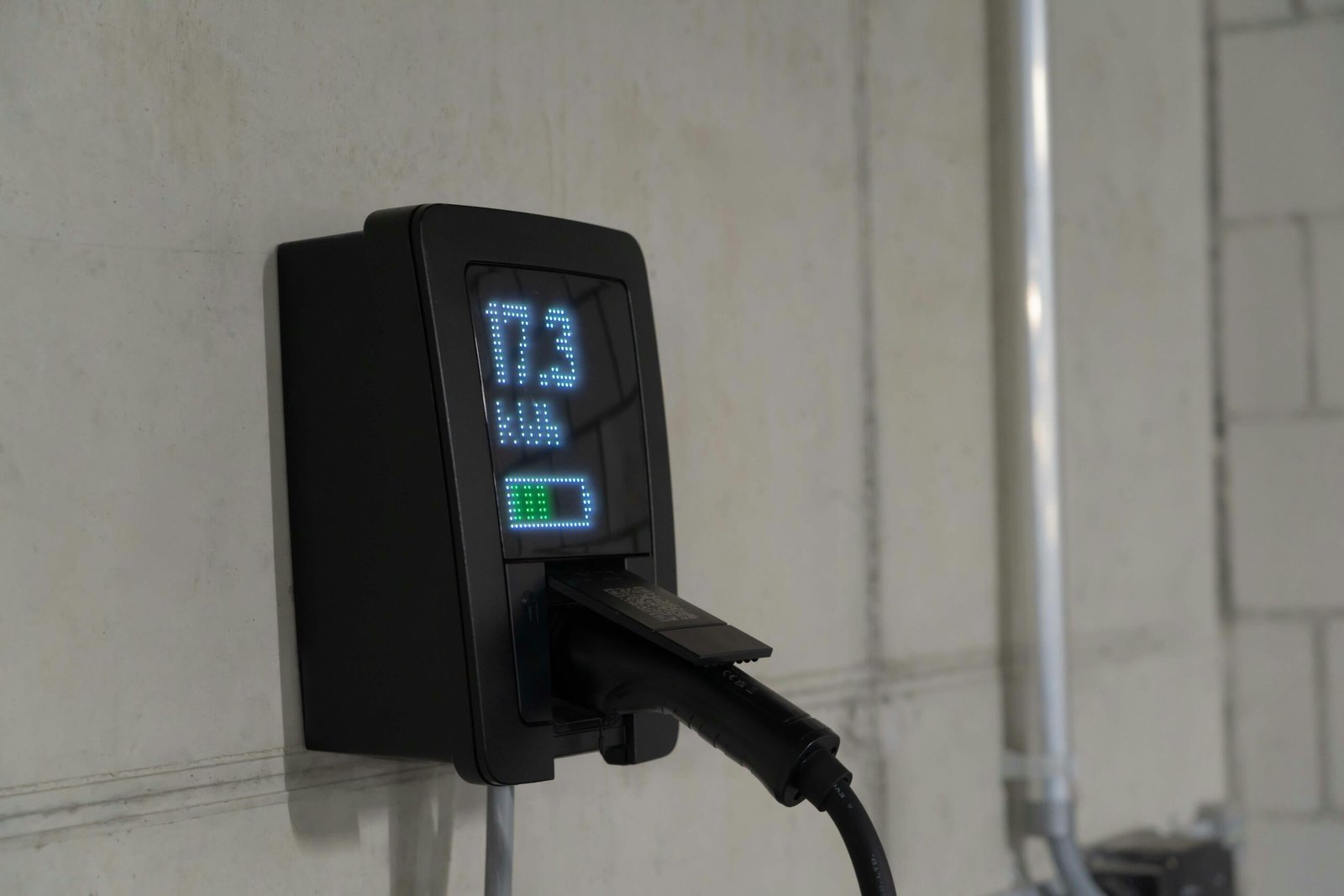
Detailed view of an electric vehicle charging station indoors, showcasing charging technology.

Top Picks

Handpicked electronics chosen for performance, value, and everyday use.

News

Smart Home News & Updates

Latest updates in smart home tech, automation, and home security.

Loading the latest smart home news…

Smart Plug Comparison: Which One Is Right for You?

  1. DAYBETTER Smart Plug 15A/1800W
    Pros:
    • Works with both Alexa and Google Assistant
    • Includes child lock and compact design for safety and space-saving
    • Remote control, scheduling, and timer functions via DAYBETTER app
    Cons:
    • No support for 5GHz Wi-Fi (2.4GHz only)
    • App interface and support less polished than major brands
    Buy on Amazon
  2. Kasa Smart Plug HS103P2, (Pack of 2)
    Pros:
    • Seamless integration with Alexa, Google Assistant, and Matter
    • Compact design doesn’t block adjacent outlets
    • Energy monitoring and scheduling via intuitive app
    Cons:
    • No support for 5GHz Wi-Fi
    • Not suitable for high-power appliances like heaters
    Buy on Amazon
  3. Amazon Smart Plug | Works with Alexa | Simple setup, endless possibilities
    Pros:
    • Plug-and-play setup with Alexa — no app juggling
    • Reliable voice control and remote access via Alexa app
    • Compact and beginner-friendly
    Cons:
    • Only works with Alexa — no Google or Apple support
    • No energy usage reporting or IFTTT support
    Buy on Amazon

TOP 10 SMART HOME ESSENTIALS

Most smart home guides feel like shopping lists. This one isn’t. At PO‑Store, we focus on the real problems homeowners deal with every day — high energy bills, slow Wi‑Fi, package theft, hidden leaks, dusty air, and rooms that never feel quite right.
Featured Smart Home Guides

Living room with large glass doors showing a thunderstorm outside, lightning illuminating a rainy suburb outside the window.

How to Choose a Home Battery Backup for Critical Grid Failure

Why a Home Battery Backup is No Longer an Option—It’s a Necessity Why a Home Battery Backup is No Longer an Option—It’s a Necessity We turn on the lights, plug in our phones, and run our appliances without a second thought. Electricity is the invisible backbone of our daily lives. But what happens when the

Read More »

Free Tools

Wi-Fi Coverage Calculator

Answer a few questions about your home and get a personalized Wi-Fi setup recommendation for your smart home.

1 Your Home Details

2,000 ft²

2 Equipment & Devices

20

Your Results

2
Access Points Recommended
15 Mbps
Per Device
2,000 ft²
Total Coverage Needed
PoorFairGoodExcellent
Good Coverage

⚡ Recommendations

🗺 Coverage Map

Access Point Strong Signal Medium Weak

Frequently Ask Questions

A solid starter setup typically runs $200–$500 and covers the essentials: a smart speaker or display (~$50–$130), a smart thermostat (~$80–$250), 3–4 smart bulbs or a starter kit (~$50–$80), and 2–3 smart plugs (~$20–$40). You can expand gradually from there. Most homeowners spend $800–$1,500 over the first year as they add security cameras, locks, and automation.

It depends on your priorities. Amazon Alexa offers the widest device compatibility and most affordable hardware — best for beginners. Google Home has superior voice AI and deep integration with Google services. Apple HomeKit provides the strongest privacy and security — ideal if you're already in the Apple ecosystem. Samsung SmartThings is the most protocol-flexible, supporting Zigbee, Z-Wave, Matter, and Wi-Fi. Pick one primary platform and stick with Matter-certified devices whenever possible — they work across all platforms.

You can start with Wi-Fi–only devices, but they add load to your router. Once you pass 15–20 devices, a hub running Zigbee or Thread (like SmartThings or a Hue Bridge) is strongly recommended. Hub-based devices are more responsive, use less power, and free up your Wi-Fi bandwidth for streaming and work.

For most homes, 100 Mbps is the minimum recommended speed. If you have multiple security cameras streaming simultaneously, aim for 200–300 Mbps or higher. The key metric is upload speed — cameras rely on it for cloud recording. A good rule of thumb: plan for at least 5 Mbps per camera plus headroom for other devices.

If your home is over 1,500 sq ft, has multiple floors, or you notice dead zones, a mesh system is the single best upgrade you can make. Standard routers cover roughly 1,000–1,500 sq ft under ideal conditions. Mesh systems like Eero Pro 6E, Google Nest WiFi Pro, or TP-Link Deco blanket your entire home in reliable signal, which is critical for smart locks, cameras, and sensors in far-flung rooms.

A VLAN (Virtual Local Area Network) creates a separate network segment for your IoT devices, isolating them from your personal computers and phones. It's highly recommended if you have 25+ devices or security cameras. At minimum, create a separate Wi-Fi SSID for your smart devices — most modern routers support this without extra hardware.

Matter is a universal smart home standard backed by Apple, Google, Amazon, and Samsung. Matter-certified devices work across all major ecosystems — so you're never locked into one platform. If a device you're considering has a Matter-certified option, choose it. It future-proofs your investment and makes switching or mixing platforms painless.

Yes — as long as they share the same ecosystem or protocol. For example, Philips Hue bulbs, a Ring doorbell, and a Wyze thermostat can all work together through Alexa. The key is to verify compatibility with your chosen platform before you buy. Matter devices make mixing brands even easier since they're platform-agnostic by design.

Smart devices are as secure as you make them. Change every default password immediately after setup. Enable two-factor authentication (2FA) on all smart home apps. Turn on automatic firmware updates on every device. Use WPA3 encryption on your router. Disable features you don't use, like remote access or voice purchasing. Devices from reputable brands with active security patch programs are significantly safer than cheap, no-name alternatives.

Most cloud-connected devices collect some usage data — voice recordings, temperature patterns, motion logs, etc. To minimize exposure, review privacy settings in each device's app and disable unnecessary data sharing. Choose devices that support local processing (like Apple HomeKit or Home Assistant). Regularly delete stored voice recordings from Alexa or Google. And always read the privacy policy before buying — if a company doesn't have one, skip the product.

Scroll to Top
MUSE 2: Smart Meditation Headband

MUSE 2: Smart Meditation Headband

⭐ Muse 2 Smart Meditation Headband — Review

The Muse 2 is a next‑generation meditation tool designed for people who want real‑time feedback on their mental state. Instead of guessing whether you’re actually calming your mind, Muse uses advanced sensors to track your brain activity, breathing, heart rate, and body movement — then translates that data into gentle audio cues that guide you into a deeper, more focused meditation.

When your mind is calm, you’ll hear peaceful sounds. When your thoughts wander, the audio becomes more active, nudging you back into focus. This immediate feedback helps users learn how to quiet their mind more effectively, making meditation feel less abstract and more measurable.

The Muse 2 also includes guided sessions for breathwork, posture awareness, and heart‑rate training, giving you a full suite of mindfulness tools in one lightweight headband. Whether you’re a beginner who struggles to stay focused or an experienced meditator looking to deepen your practice, Muse 2 offers a powerful, science‑backed way to build consistency and improve emotional well‑being.


⭐ Why Shoppers Love It

• Real‑time feedback on your meditation

Users love that Muse tells them when their mind is wandering and when they’re truly calm — something traditional meditation can’t do.

• Tracks brain activity, heart rate, breath, and movement

The multi‑sensor system gives a more complete picture of your mental and physical state.

• Makes meditation easier for beginners

The audio cues act like a personal coach, helping users stay focused without frustration.

• Helps reduce stress and improve emotional regulation

Many people use it to unwind after work, manage anxiety, or build a daily mindfulness habit.

• Lightweight and comfortable

The slim headband is easy to wear and doesn’t feel intrusive during sessions.

• Detailed post‑session insights

The Muse app shows your calm minutes, recovery moments, and overall progress — great for people who like measurable results.

• Works for short or long sessions

Perfect for quick resets or deeper meditation practices.


⭐ Who It’s Best For

• Beginners who struggle to stay focused during meditation

• People dealing with stress, anxiety, or mental overload

• Users who want measurable, science‑backed mindfulness training

• Professionals looking for a daily reset tool

• Experienced meditators who want deeper insight into their practice

• Anyone who prefers guided, structured meditation sessions