

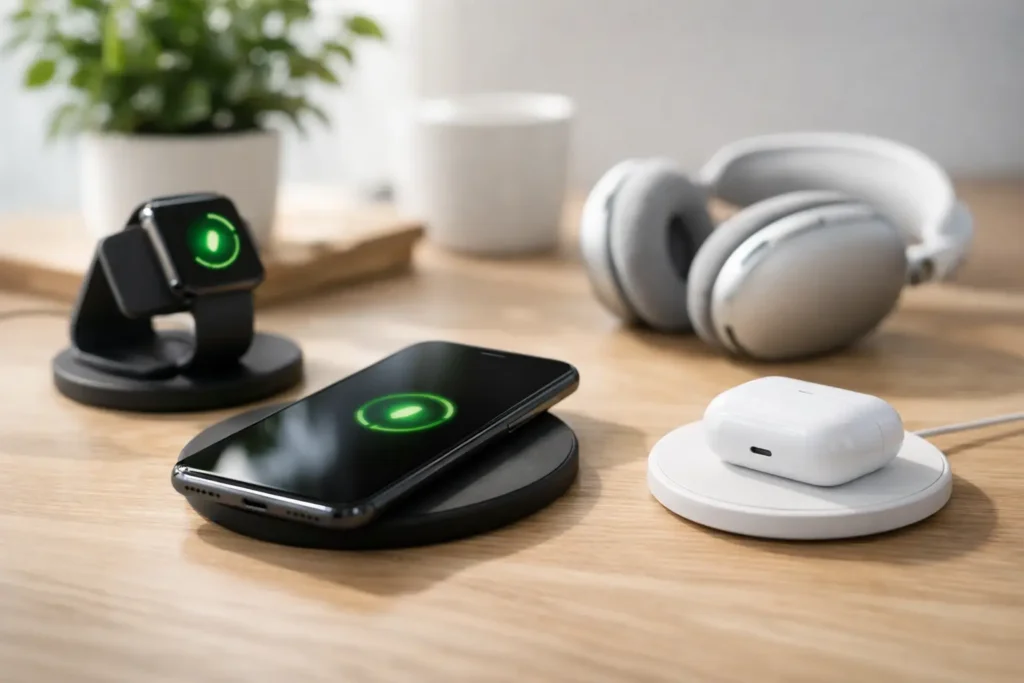
A wireless charging guide is most useful when your phone is at 12%, your keys are missing, and you want to set your device down without hunting for the right cable. A good charger turns that daily scramble into a simple habit: place, charge, go. The key is choosing a setup that matches your phone, your routine, and the place where you will actually use it.
Wireless charging is convenient, but it is not one-size-fits-all. Charger shape, charging standard, case thickness, and power adapter can all affect the experience. Shop smart by focusing on compatibility first, then choose the style that makes your day easier.
Wireless Charging Guide: Start With Compatibility
Most modern wireless chargers use the Qi standard, pronounced “chee.” Qi is the widely adopted wireless charging standard used by many iPhones, Samsung Galaxy phones, Google Pixel phones, wireless earbuds, and other compatible devices. If your device supports Qi, it should work with a Qi-certified charging pad, stand, or dock.
That said, “works” and “charges at the fastest available speed” are not always the same thing. Your phone may accept a charge from a basic pad but charge more slowly than it would on a charger designed for its specific power profile. Before buying, check your device’s wireless charging capability and the charger’s listed output.
Newer magnetic systems add another consideration. Apple MagSafe chargers use magnets to help compatible iPhones align correctly. Qi2 is a newer standard that also uses magnetic alignment on supported devices. This alignment can be especially helpful at night or on a crowded desk because the phone clicks into the ideal position instead of requiring a few tries.
If you use an Android phone, do not assume every magnetic charger will attach securely. Some Android devices support Qi wireless charging without built-in magnets. A compatible magnetic case can sometimes provide the alignment you want, but it should be designed for your phone model and charging setup.
Choose the Charger Style for Your Routine
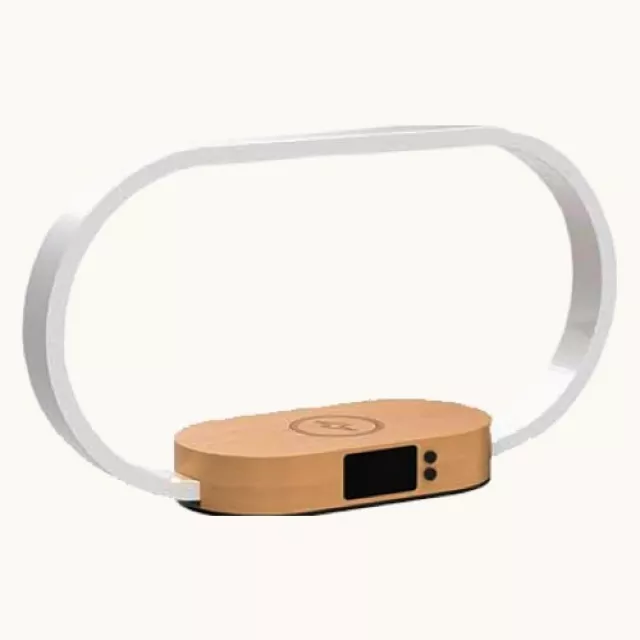
The best wireless charger is the one that fits naturally into your day. A flat charging pad is compact and easy to place on a nightstand, entryway table, or kitchen counter. It is a practical choice when you mainly charge overnight and do not need to see your screen.
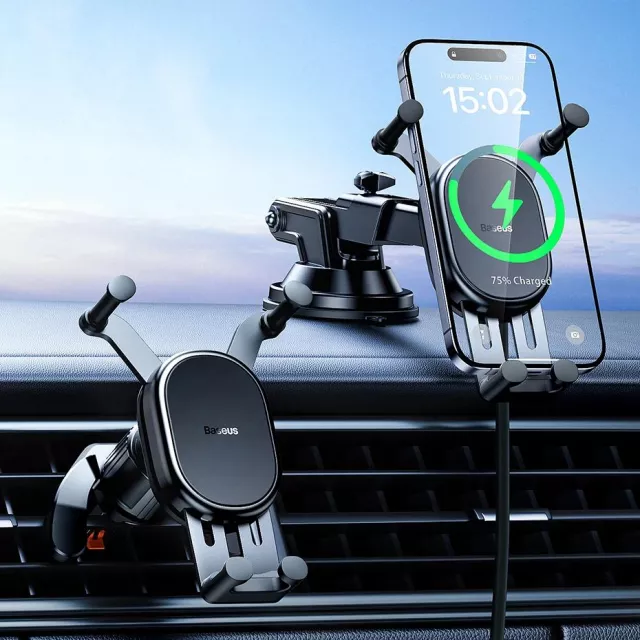
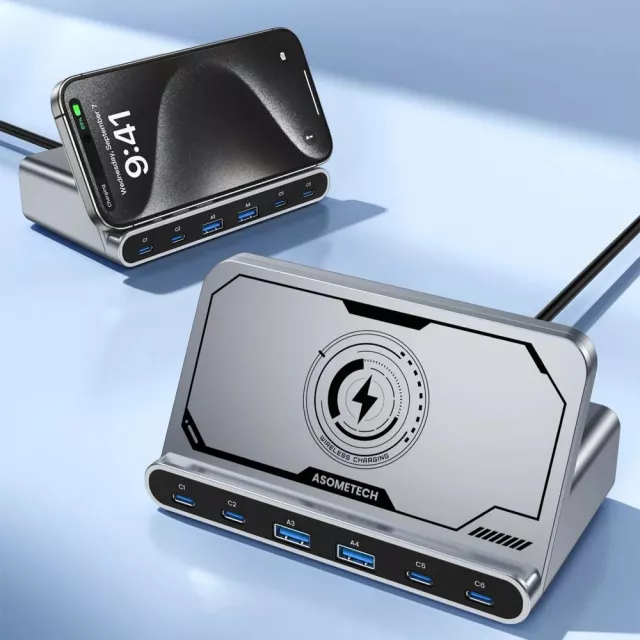
A charging stand keeps your phone upright, which is handy at a desk or beside the bed. You can glance at a timer, check a notification, join a video call, or follow a recipe while the device charges. Many shoppers find that a stand encourages better charging habits because the phone has an obvious home instead of disappearing beneath paperwork.
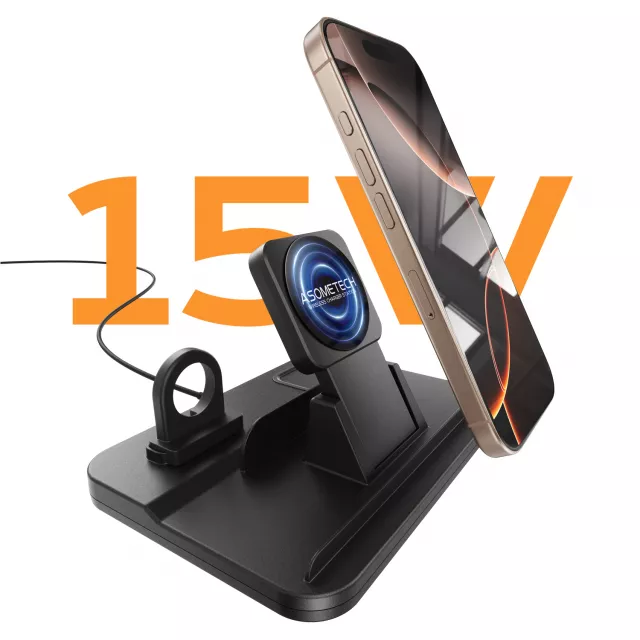
A multi-device station is a strong pick for households with several daily essentials. Depending on the model, it may charge a phone, compatible earbuds, and a smartwatch from one organized spot. This can reduce cable clutter, though you should always confirm that each section supports your specific device.
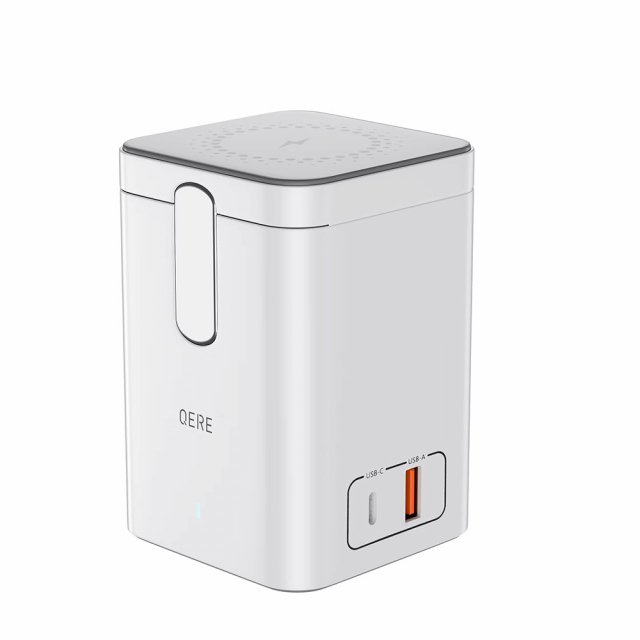
For travel, look for a slim pad or a foldable charging station. Compact designs are easier to pack, but they may not deliver the same speed as a dedicated high-output stand. That trade-off is often worth it when saving space matters more than topping up quickly.

Understand Wireless Charging Speeds
Wireless charging is often slower than charging with a cable, particularly when you compare it with a high-watt wired fast charger. For overnight charging, that may not matter at all. For a quick boost before leaving the house, speed becomes more important.
Many entry-level wireless chargers provide up to 5W. This is enough for basic overnight use but can feel slow during a busy afternoon. Chargers rated at 7.5W, 10W, or 15W may offer faster charging for supported phones. However, your device controls how much power it can receive, so a 15W charger will not force every phone to charge at 15W.
The wall adapter matters, too. A charger can advertise higher wireless output, but it may need a compatible USB-C power adapter with enough wattage to reach that level. Reusing an older low-power adapter may still charge your phone, just more slowly. Check the product specifications for its recommended adapter and whether one is included.
Heat also affects charging speed. Phones may reduce charging power when they get warm, especially during gaming, navigation, video streaming, or charging in direct sunlight. Wireless charging naturally creates more heat than a cable because energy travels through coils rather than a physical connector. A quality charger manages this safely, but cool airflow and sensible placement still help.
Placement Is More Important Than It Looks
A phone needs to sit with its charging coil aligned over the charger’s coil. On a pad, this usually means centering the back of the phone. On a stand, place it fully against the charging area. If the device shifts, vibrates from a notification, or rests at an angle, charging can stop or begin slowly.
Magnetic chargers make alignment easier, but regular Qi pads work well when placed carefully. Most phones show a charging symbol or play a sound once charging begins. Get into the habit of checking that signal before walking away, especially if you are relying on the charger overnight.
A thick case, a wallet-style case, metal plate, pop grip, or card stored between the phone and charger can interfere with charging. Cases labeled as wireless-charging compatible are usually the safer choice. If your phone does not charge consistently, remove the case first. It is the fastest way to identify whether the accessory is causing the issue.
Where Wireless Charging Makes the Biggest Difference
Wireless charging shines in the places where charging is already part of your routine. Put a charging pad by the front door for a quick drop zone when you get home. Add a stand to your desk if you frequently pick up your phone for two-factor codes, messages, and calendar alerts. Use a nightstand charger when you want to wake up with a full battery and fewer loose cables.
For families, one shared charging station in a common area can be more useful than several single pads. It creates a visible place for devices after school, work, or errands. Just avoid treating it as a universal solution for every gadget. Tablets, laptops, smartwatches, and older phones may use different charging methods.
Wireless chargers also make thoughtful, practical gifts. They are easy to understand, useful every day, and available in styles that work for a home office, dorm room, bedside table, or travel bag. At PO-Store, a charger is the kind of everyday tech upgrade that fits naturally alongside other smart-home and lifestyle finds.
A Quick Buying Checklist
Before adding a wireless charger to your cart, confirm these details:
- Your phone or earbuds support Qi, MagSafe, Qi2, or the listed standard.
- The charger offers a charging speed your device can use.
- The required wall adapter and cable are included or already available.
- Your phone case will not block charging or magnetic attachment.
- The size and shape fit the space where you plan to use it.
- Multi-device stations support each device you want to charge.
It is also worth choosing products with clear specifications and built-in safety features, such as temperature monitoring and foreign-object detection. Foreign-object detection helps the charger recognize unsuitable items, such as keys or coins, placed on the surface. It is a reassuring feature for busy homes and shared spaces.
Common Wireless Charging Questions
Can I leave my phone on a wireless charger overnight?
For most current phones and quality chargers, overnight charging is designed to be safe. Phones manage their charging cycle and reduce or stop power when appropriate. Still, use a charger in a cool, open area rather than under blankets or pillows, and avoid damaged cables or adapters.
Why is my wireless charger blinking?
A blinking light often means the phone is not aligned, the case is interfering, or the charger has detected an object it cannot charge. Remove the phone, clear the charging surface, take off the case if needed, and place the device back in the center. If the issue continues, try a different power adapter or cable.
Is wired charging better?
It depends on the moment. Wired charging is usually better when you need maximum speed or need to use your phone heavily while it charges. Wireless charging is better for convenient, low-effort top-ups throughout the day. Many households benefit from having both: a fast cable for urgent power and a wireless station where devices naturally rest.
The right setup should make charging feel less like another task. Choose a charger that matches your device, give it a dedicated spot, and let that small everyday convenience do its job.
Lorem ipsum dolor sit amet, consectetur adipiscing elit. Ut elit tellus, luctus nec ullamcorper mattis, pulvinar dapibus leo.




Wireless Charging Guide, Wireless Charging Guide, Wireless Charging Guide, Wireless Charging Guide, Wireless Charging Guide


Pingback: 7 Best Digital Photo Frames for Your Home | PO‑STORE
Pingback: Standing Desk vs Walking Pad for Your Workday | PO‑STORE
Pingback: How to Reduce Pet Shedding Without the Fuss | PO‑STORE
Pingback: How to Clean Wireless Earbuds Without Damage | PO‑STORE