

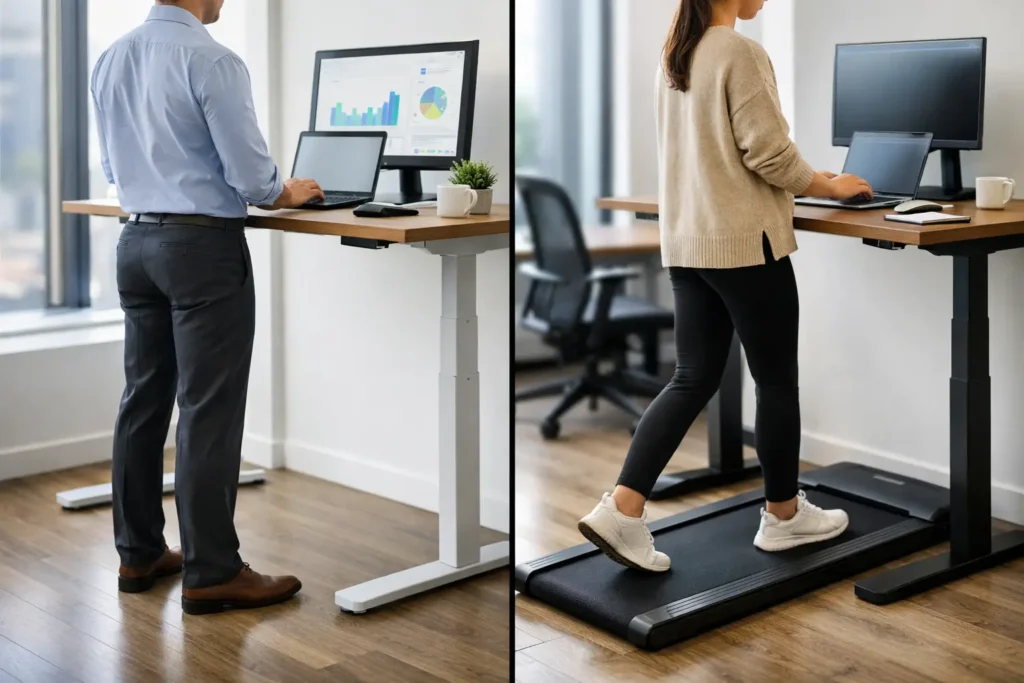
A standing desk can make a cramped workday feel less static. A walking pad can turn slow meetings and inbox cleanup into low-intensity movement. But in the standing desk vs walking pad decision, the better choice is not necessarily the product with more features. It is the one you can use comfortably, consistently, and safely in your actual workspace.
For most people, a standing desk is the easier first upgrade because it changes your posture without changing how you work. A walking pad is more active and can be genuinely useful for increasing daily steps, but it demands more floor space, a quieter room, and a work routine that does not require constant precision. Here is how to choose without buying a wellness gadget that ends up under the bed.
Standing Desk vs Walking Pad: The Core Difference
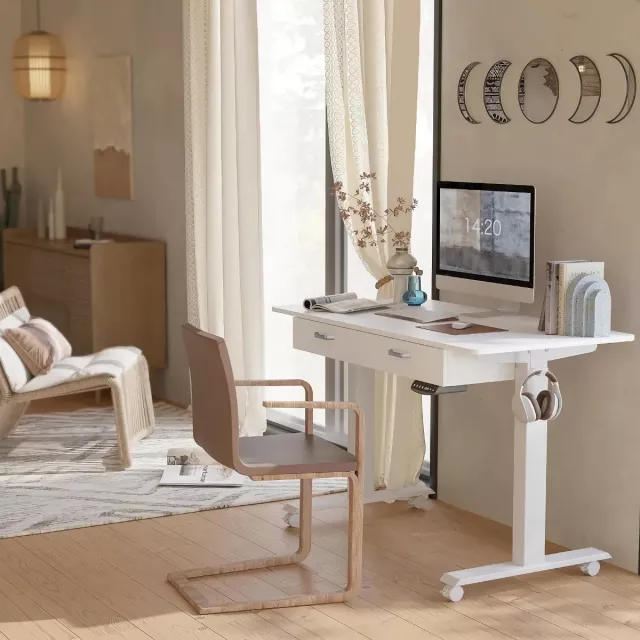
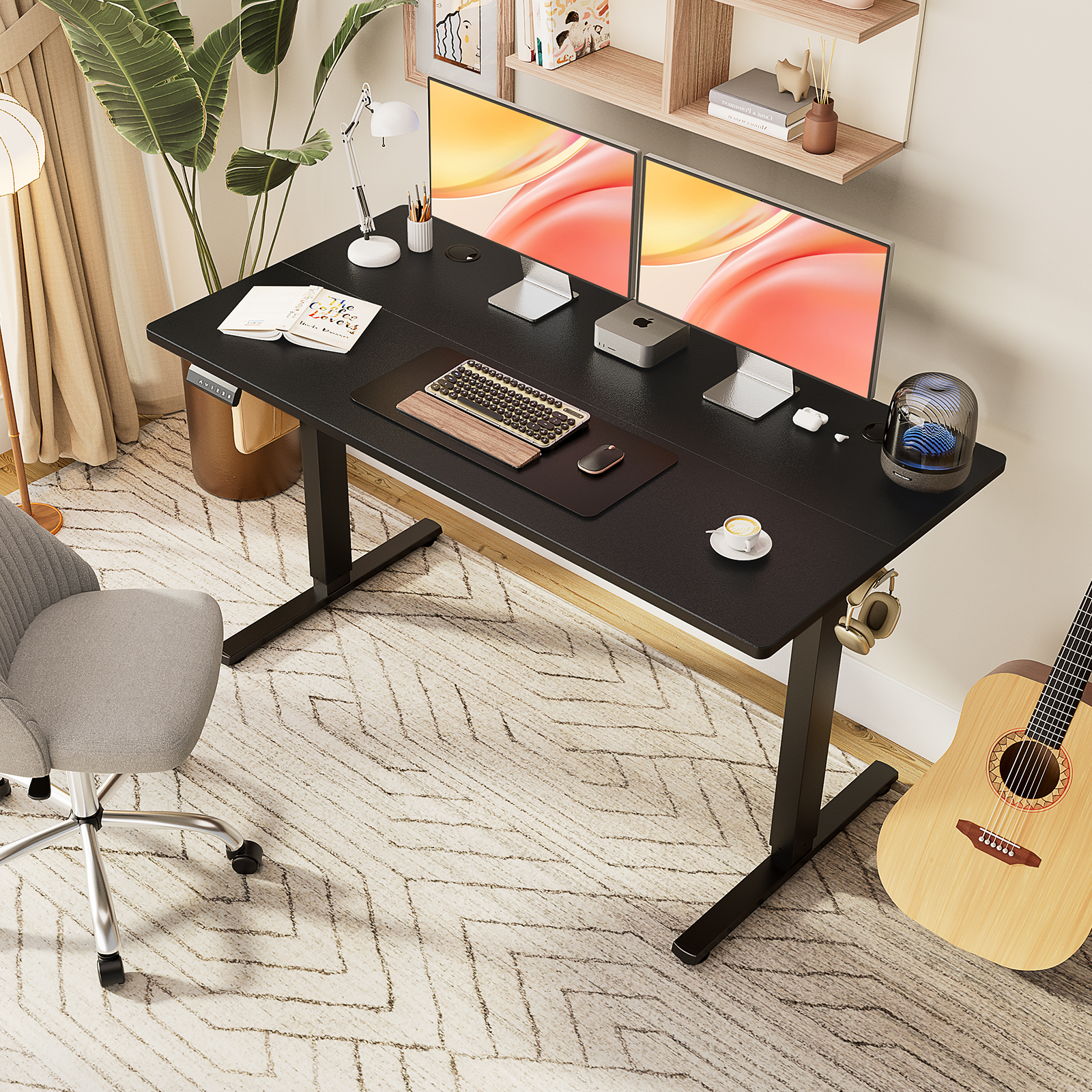
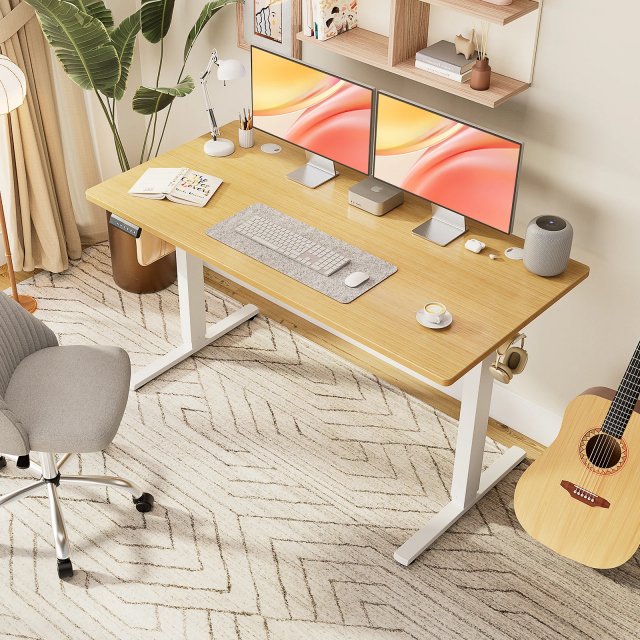
A standing desk changes the height of your work surface, allowing you to alternate between sitting and standing. Many models are electric, while manual and fixed-height options cost less. Its purpose is simple: reduce long, uninterrupted sitting periods and give you more control over your setup.
A walking pad is a compact treadmill designed for walking at low speeds, usually while working at a desk. It is not a replacement for a regular treadmill workout. Think of it as a way to add gentle movement during calls, training sessions, and low-focus tasks.
That distinction matters because standing and walking ask different things of your body and attention. Standing still is a modest change in posture. Walking is movement, even at an easy pace. One is easier to integrate into almost any job; the other can be more rewarding for people who have long stretches of passive computer work.
Choose a Standing Desk if You Need a Better Work Setup
A standing desk is usually the more practical choice for professionals who write, design, manage spreadsheets, take video calls, or work with multiple monitors. You can stand for a portion of the day, then sit when you need to concentrate, with little disruption to your workflow.
The biggest benefit is flexibility. A properly adjusted desk lets you bring your keyboard, mouse, and screen to a more comfortable position whether you are sitting or standing. Your elbows should generally rest near a 90-degree angle, and the top of the monitor should be around eye level. Those details often matter more than whether the desk has a premium control panel or extra presets.
Standing all day is not the goal. It can lead to sore feet, lower-back fatigue, and a general urge to quit using the desk. The better routine is alternating positions throughout the day. Many shoppers start with 20 to 30 minutes of standing at a time, then adjust based on comfort. A supportive mat and comfortable shoes can make this transition much easier.
A standing desk also works well in shared homes. It is quiet, requires no workout clothes, and does not create vibration for someone in the room below. If your workday involves frequent client calls or a busy household, that low-friction convenience is a real advantage.
What to check before buying a standing desk
Do not judge a desk by desktop size alone. Verify its height range, especially if you are taller or shorter than average. Check the weight capacity if you use dual monitors, a desktop computer, or heavy monitor arms. Stability at full height is another practical issue: a desk that wobbles while you type will quickly become frustrating.
Also consider cable management and the depth of the work surface. A shallow desk may leave your monitor too close to your eyes, while loose cables can snag each time the desk moves. These are small details on a product page and big details after months of use.
Choose a Walking Pad if Your Main Goal Is More Movement
A walking pad makes sense when your biggest challenge is fitting activity into a desk-bound day. It can be especially useful for remote workers who finish the day realizing they barely left one room, or for anyone who enjoys moving during long calls, webinars, and routine admin work.
The appeal is straightforward: slow walking can add up over several hours without requiring a dedicated gym session. Some people find that it makes afternoon meetings feel less draining or helps them avoid the restless slump that comes after lunch.
Still, a walking pad has a learning curve. Typing, using a trackpad, and reading detailed documents can feel awkward while walking. Most people work best at a slow pace, often around 1 to 2 miles per hour, and reserve the pad for tasks that do not demand fine motor control. You may need to sit down for detailed editing, financial work, graphic design, or anything with a tight deadline.
Noise deserves an honest look, too. Walking pads are quieter than many full-size treadmills, but they are not silent. Motor sound, footfalls, and vibration vary by flooring, body weight, walking speed, and the machine itself. In an upstairs apartment or a shared office, a pad may be less practical than it appears in a polished product video.
What to check before buying a walking pad
Start with the pad’s usable walking area, not just its folded dimensions. A narrow or short belt may feel limiting, particularly for taller users or anyone with a longer stride. Review the stated user weight limit, speed range, remote-control design, and whether the display is visible while you work.
Storage is another deciding factor. Some walking pads slide under a sofa or bed, but only if you have enough clearance and can comfortably move the unit. Their weight varies considerably, so a compact-looking model may still be inconvenient to lift every day. A pad that is difficult to set up is a pad you are less likely to use.
Cost, Space, and Daily Friction
A basic standing desk can cost about as much as an entry-level walking pad, while premium versions of either can climb quickly. But the initial price is only part of the equation. A walking pad often works best with a standing desk, which means the total setup can be significantly more expensive than buying one item.
Space can be the deciding factor. A standing desk replaces or upgrades furniture you already use. A walking pad needs open floor space while in use, plus a storage plan when it is not. Measure the full area behind and around your desk, including room for the belt, your stride, and safe mounting and dismounting.
Then consider daily friction. Will you want to roll out a walking pad, adjust the desk, change shoes, and manage the noise before your first meeting? Or would pressing one button to raise your desk make a bigger difference because you will actually do it? The most effective wellness purchase is rarely the most ambitious one. It is the one that fits your habits on an ordinary Tuesday.

Can You Use Both?
Yes, and for some remote workers, a standing desk plus walking pad is the most versatile arrangement. Use the desk in sitting or standing mode for focused work, then walk slowly during calls and lower-demand tasks. This approach gives you movement without expecting yourself to walk through every part of the day.
The trade-off is cost, footprint, and complexity. It is only worth building a combined setup if you already know you enjoy walking while listening or talking. If you are unsure, start with the change that solves your clearest problem. Choose a standing desk if posture and comfort are the priority. Choose a walking pad if you already have a suitable desk and need an easier path to more steps.
The Better Choice for Most Home Offices
For most shoppers, the standing desk wins on versatility. It supports nearly every kind of computer work, takes up no additional floor space, and makes it easier to break up long periods of sitting. A walking pad is a smart second purchase for people who have the room, tolerate the noise, and can realistically use it during lower-focus work.
Before adding either one to your cart, picture your busiest workday rather than your most motivated one. If a product can make that day a little more comfortable or active without making work harder, it has a real place in your home office.




Pingback: How to Reduce Pet Shedding Without the Fuss | PO‑STORE
Pingback: 6 Best Electric Lunch Boxes for Fresh Hot Meals | PO‑STORE
Pingback: 10 Backup Power Examples for Everyday Outages | PO‑STORE