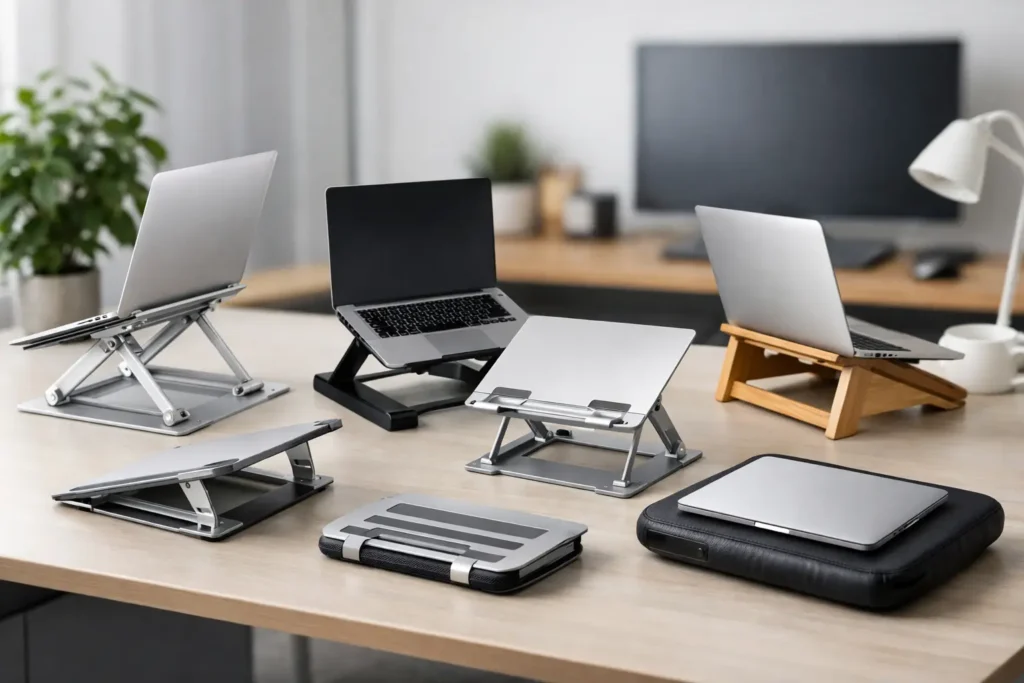
A laptop that sits flat on a desk asks your neck to do most of the work. After a few hours of looking down, that familiar tightness across the shoulders and upper back is not a mystery – it is a setup problem. The best laptop stands for posture raise the screen closer to eye level, helping you create a more comfortable work position without replacing a perfectly good computer.
A stand is not a cure-all. Your chair height, desk depth, monitor position, and work habits still matter. But it is one of the simplest upgrades for people who work from home, answer emails at the kitchen table, or move between a dedicated office and shared spaces. The right choice depends less on flashy features and more on your laptop size, available desk space, and whether you also use an external keyboard and mouse.
What makes a laptop stand better for posture?
The goal is straightforward: position the top third of your laptop screen near or slightly below eye level, without forcing you to shrug your shoulders or crane your neck. For most adults, that means a stand needs meaningful height adjustment, not just a small front-edge lift.
Once the screen is raised, typing directly on the laptop keyboard becomes less practical. An external keyboard and mouse let your elbows stay close to your sides and your forearms rest roughly parallel to the floor. If you only need a stand for occasional video calls, a low-profile riser may be enough. For eight-hour workdays, an adjustable stand and separate input devices are the smarter combination.
Stability matters just as much as height. A stand that wobbles while you type or shifts when you adjust the screen becomes irritating quickly. Look for a broad base, non-slip silicone contact points, and a stated weight capacity that comfortably accommodates your laptop.
The 7 best laptop stands for posture
1. Rain Design mStand for a clean, fixed-height desk setup
The Rain Design mStand is a strong choice for people with a permanent desk and a laptop that already sits at a comfortable height once raised. Its single-piece aluminum design is sturdy, tidy, and naturally complements many MacBooks, though it works with a range of laptops.
This is a fixed-height stand, so it is best for shoppers who know they do not need frequent adjustments. It elevates the screen substantially and leaves room beneath the laptop for a keyboard. The trade-off is clear: you get excellent stability and a polished desktop look, but less flexibility than an adjustable model. Taller users should measure their seated eye line before choosing it.

2. NEXSTAND K2 for height flexibility on a budget
The NEXSTAND K2 earns its place because it offers a wide range of height settings in a lightweight, foldable frame. It can bring many laptop screens noticeably closer to eye level, making it especially useful for taller users or desks that sit lower than standard.
Its plastic construction does not feel as premium as aluminum alternatives, and it is not the best option for people who want to type on the raised laptop. With an external keyboard and mouse, however, it is a practical workstation tool. It also folds down easily for commuters, students, and hybrid workers who need one stand to serve several locations.
3. Roost Laptop Stand for frequent travelers
The Roost Laptop Stand remains a standout for people who work from hotel desks, client offices, coffee shops, and other temporary spaces. It is exceptionally light, folds into a slim shape, and provides the kind of screen height that many compact travel stands cannot match.
Its price is higher than basic portable stands, so it makes the most sense if you will use it often. The hinged setup also takes a little practice the first time. Once adjusted, it creates a much more workable mobile desk when paired with a compact keyboard and mouse. For regular travelers trying to protect their posture, portability is not a minor feature – it is the reason this stand is worth considering.

4. Twelve South Curve Flex for adjustable home offices
The Twelve South Curve Flex is made for shoppers who want a refined-looking stand with real adjustment range. Its height and angle can be changed to suit a seated desk, a standing desk, or different chairs in the same home. That flexibility is valuable if multiple people share a workspace.
The aluminum construction gives it a more substantial feel than ultralight travel stands, and it folds flat when you need to clear the desk. It costs more than simple risers, but the price is easier to justify for someone who uses a laptop as a primary computer. It is best used with separate peripherals, particularly at its higher settings.

5. Lamicall Adjustable Laptop Stand for everyday value
The Lamicall Adjustable Laptop Stand is a sensible middle-ground option. It provides height and tilt adjustment, a stable metal frame, and broad compatibility without requiring a premium budget. For many home-office shoppers, that is all a laptop stand needs to do.
Its wide base takes up more room than a foldable stand, which can be a drawback on a narrow desk. In return, you get a planted, dependable platform that is easier to live with every day. Choose this style if your priority is a stable screen position for video calls, documents, and regular laptop work rather than maximum portability.

6. MOFT Z Invisible Laptop Stand for minimalists
The MOFT Z Invisible Laptop Stand attaches to the bottom of a laptop and folds almost flat when not in use. It is a convenient option for people who dislike carrying extra accessories or want a little ergonomic help without changing the look of their workspace.
Its multiple angles can improve the viewing position and typing angle, but it cannot provide the same eye-level screen height as a full-size desktop stand. Think of it as an improvement for mobile work, not a complete posture solution for long desk days. It is particularly useful for lighter laptops and people who frequently open their computer in meetings or shared workspaces.
7. ObVus Solutions Tower Stand for standing desks
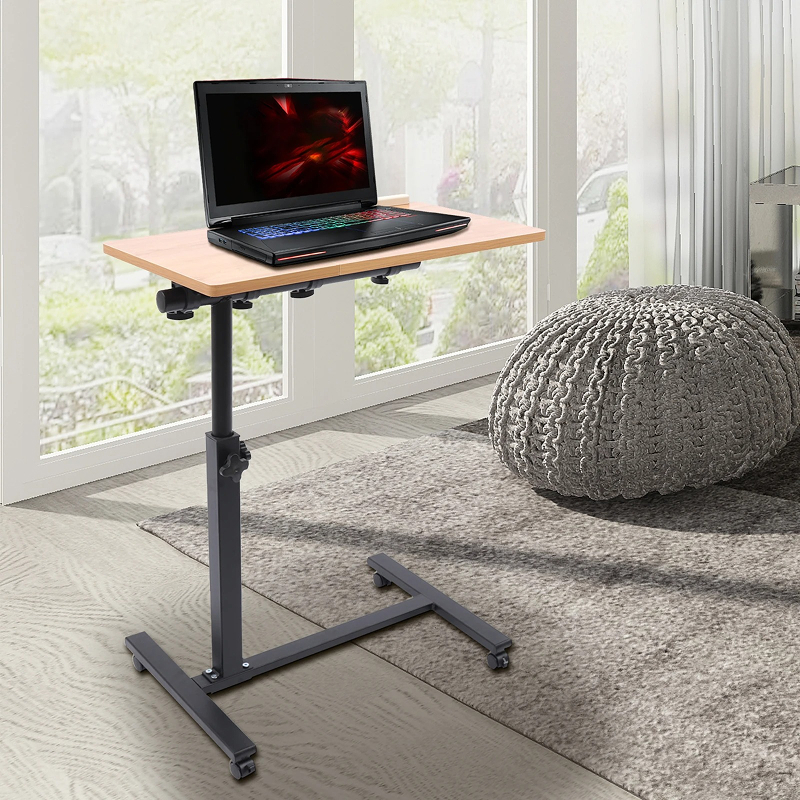
The ObVus Solutions Tower Stand is designed for a different use case: raising a laptop high enough to work while standing. Its tall, adjustable form can help laptop users get the screen closer to a standing eye line, which is difficult for conventional desk stands to achieve.
A standing desk does not automatically improve posture, and standing all day is not the answer either. Still, the ability to alternate positions can make a long workday feel less static. This stand is most useful for someone with an adjustable desk or a counter-height work surface who wants to keep their laptop centered and visible during standing sessions.
How to choose among the best laptop stands for posture
Start with your working routine, not the product photo. If your laptop stays on one desk all week, prioritize a heavy, stable aluminum stand with enough lift for your height. If you work in several places, a foldable model that actually fits in your bag will get used more often than a larger stand left at home.
Next, measure your available desk depth. When a screen moves upward, it should usually move slightly farther away as well. If your desk is shallow, a stand with a compact footprint may be easier to position comfortably. You also need room for an external keyboard and mouse, ideally with your wrists in a neutral rather than sharply bent position.
Laptop size and weight deserve a quick check. Most stands fit common 13-inch to 16-inch models, but larger gaming laptops and workstations can be heavier, deeper, and more demanding on hinges. A stand can technically fit your computer and still feel unstable, so choose one with capacity to spare.
Finally, be honest about adjustment habits. A fixed stand is often sturdier and faster to use. An adjustable stand is better when your chair, desk, or work location changes frequently. Neither is universally better – the right one is the stand that lets you set your screen correctly and keep it there.
Set up your stand so it actually helps
Place the stand directly in front of you rather than off to one side. Raise the laptop until you can read the screen with your chin level and your neck relaxed. If you wear progressive lenses, you may prefer the screen slightly lower to avoid tipping your head back.
Use an external keyboard and mouse whenever the laptop is raised beyond a modest angle. Keep the keyboard close enough that your upper arms are relaxed, and avoid reaching forward for the mouse. Small changes count: bring the screen closer, reduce glare, and take brief movement breaks before discomfort becomes your reminder.
A well-chosen laptop stand will not turn every workspace into an ergonomic lab. It can, however, remove one of the most common sources of desk-day strain and make your everyday setup feel far more sustainable.