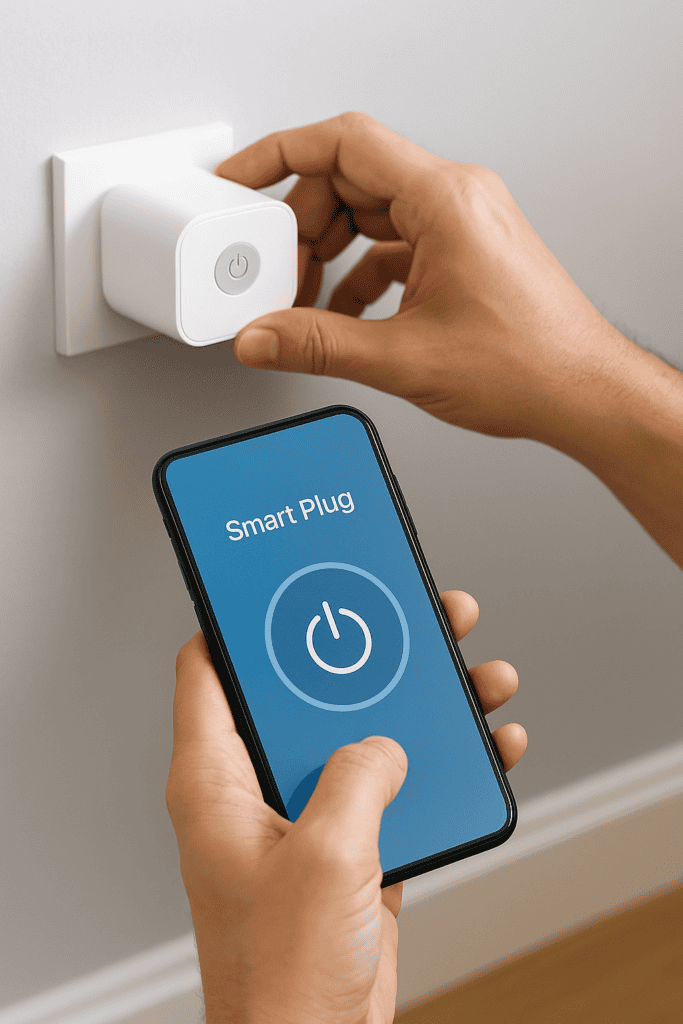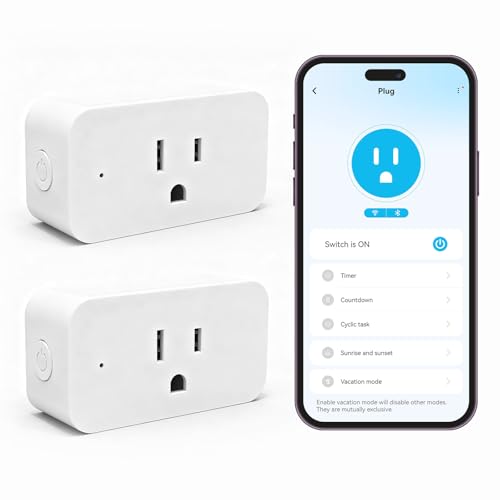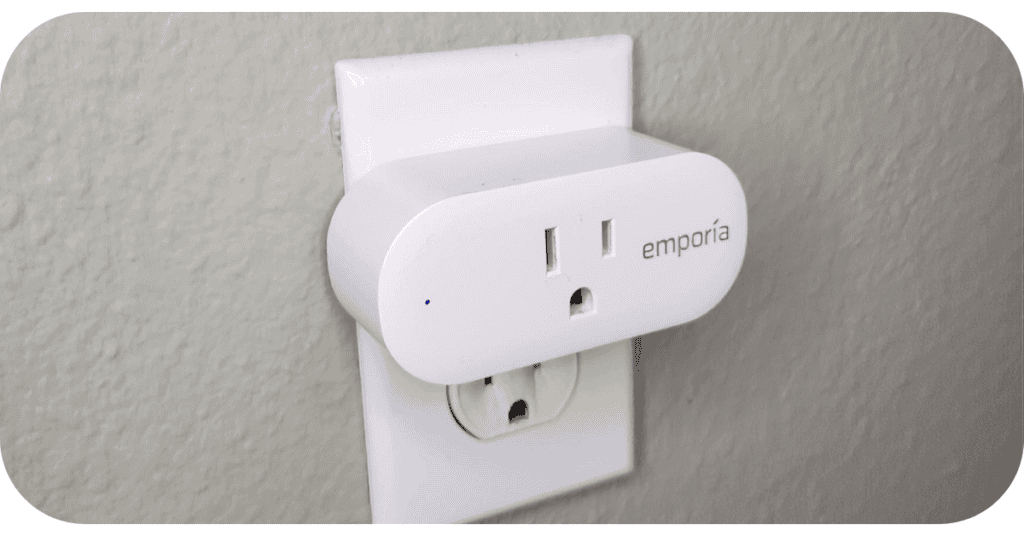
plug

How To Set Up a Smart Plug

  1. Unbox & Plug In
    • Insert the smart plug into a wall outlet.
    • Wait for the LED indicator to start blinking (setup mode).
  1. Download the App
    • Install the manufacturer’s app (e.g., Kasa Smart, Alexa).
    • Create or log into your account.
  1. Connect to Wi‑Fi
    • Ensure your phone is on the 2.4 GHz Wi‑Fi band (many smart plugs don’t support 5 GHz).
    • In the app, select Add Device → Smart Plug.
    • Follow prompts to connect the plug to your Wi‑Fi.
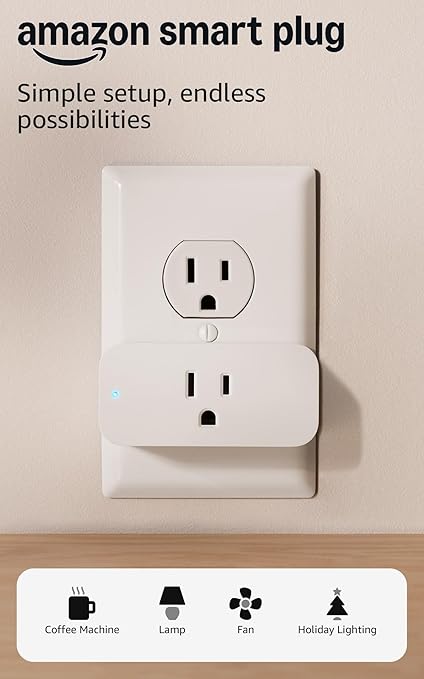
plug2
  1. Troubleshooting Tips
    • If connection fails, reboot your router and retry.
    • Move closer to the router during setup.
    • If still failing, press and hold the reset button on the plug for 10 seconds to restart setup.
  1. Test & Automate
      • Plug in a lamp or appliance.
      • Use the app to turn it on/off.
      • Set schedules or voice control via Alexa/Google Assistant.


    Our Rating:
    3.5
    Our Rating:
    3.5
    Our Rating:
    3.5
    Pros:
    • Plug-and-play setup with Alexa — no app juggling
    • Reliable voice control and remote access via Alexa app
    • Compact and beginner-friendly
    Pros:
    • Seamless integration with Alexa, Google Assistant, and Matter
    • Compact design doesn’t block adjacent outlets
    • Energy monitoring and scheduling via intuitive app
    Pros:
    • Works with both Alexa and Google Assistant
    • Includes child lock and compact design for safety and space-saving
    • Remote control, scheduling, and timer functions via DAYBETTER app
    Cons:
    • Only works with Alexa — no Google or Apple support
    • No energy usage reporting or IFTTT support
    Cons:
    • No support for 5GHz Wi-Fi
    • Not suitable for high-power appliances like heaters
    Cons:
    • No support for 5GHz Wi-Fi (2.4GHz only)
    • App interface and support less polished than major brands
    $24.99
    $19.99$17.99
    $24.99
    Our Rating:
    3.5
    Pros:
    • Plug-and-play setup with Alexa — no app juggling
    • Reliable voice control and remote access via Alexa app
    • Compact and beginner-friendly
    Cons:
    • Only works with Alexa — no Google or Apple support
    • No energy usage reporting or IFTTT support
    $24.99
    Our Rating:
    3.5
    Pros:
    • Seamless integration with Alexa, Google Assistant, and Matter
    • Compact design doesn’t block adjacent outlets
    • Energy monitoring and scheduling via intuitive app
    Cons:
    • No support for 5GHz Wi-Fi
    • Not suitable for high-power appliances like heaters
    $19.99$17.99
    Our Rating:
    3.5
    Pros:
    • Works with both Alexa and Google Assistant
    • Includes child lock and compact design for safety and space-saving
    • Remote control, scheduling, and timer functions via DAYBETTER app
    Cons:
    • No support for 5GHz Wi-Fi (2.4GHz only)
    • App interface and support less polished than major brands
    $24.99
    02/26/2026 08:11 am GMT

    Leave a Comment

    Your email address will not be published. Required fields are marked *

    Scroll to Top

    MUSE 2: Smart Meditation Headband

    ⭐ Muse 2 Smart Meditation Headband — Review

    The Muse 2 is a next‑generation meditation tool designed for people who want real‑time feedback on their mental state. Instead of guessing whether you’re actually calming your mind, Muse uses advanced sensors to track your brain activity, breathing, heart rate, and body movement — then translates that data into gentle audio cues that guide you into a deeper, more focused meditation.

    When your mind is calm, you’ll hear peaceful sounds. When your thoughts wander, the audio becomes more active, nudging you back into focus. This immediate feedback helps users learn how to quiet their mind more effectively, making meditation feel less abstract and more measurable.

    The Muse 2 also includes guided sessions for breathwork, posture awareness, and heart‑rate training, giving you a full suite of mindfulness tools in one lightweight headband. Whether you’re a beginner who struggles to stay focused or an experienced meditator looking to deepen your practice, Muse 2 offers a powerful, science‑backed way to build consistency and improve emotional well‑being.


    ⭐ Why Shoppers Love It

    • Real‑time feedback on your meditation

    Users love that Muse tells them when their mind is wandering and when they’re truly calm — something traditional meditation can’t do.

    • Tracks brain activity, heart rate, breath, and movement

    The multi‑sensor system gives a more complete picture of your mental and physical state.

    • Makes meditation easier for beginners

    The audio cues act like a personal coach, helping users stay focused without frustration.

    • Helps reduce stress and improve emotional regulation

    Many people use it to unwind after work, manage anxiety, or build a daily mindfulness habit.

    • Lightweight and comfortable

    The slim headband is easy to wear and doesn’t feel intrusive during sessions.

    • Detailed post‑session insights

    The Muse app shows your calm minutes, recovery moments, and overall progress — great for people who like measurable results.

    • Works for short or long sessions

    Perfect for quick resets or deeper meditation practices.


    ⭐ Who It’s Best For

    • Beginners who struggle to stay focused during meditation

    • People dealing with stress, anxiety, or mental overload

    • Users who want measurable, science‑backed mindfulness training

    • Professionals looking for a daily reset tool

    • Experienced meditators who want deeper insight into their practice

    • Anyone who prefers guided, structured meditation sessions

    Buy on Amazon